

LeagueSaga for ChatGPT
Bring your league facts into ChatGPT.
Connect ChatGPT to LeagueSaga, then ask about records, rivalries, draft habits, and recent seasons. LeagueSaga returns read-only facts with source links. ChatGPT decides how to explain or organize them.
Requires LeagueSaga Pro or League Pass. Plugin availability depends on your ChatGPT account and workspace settings.
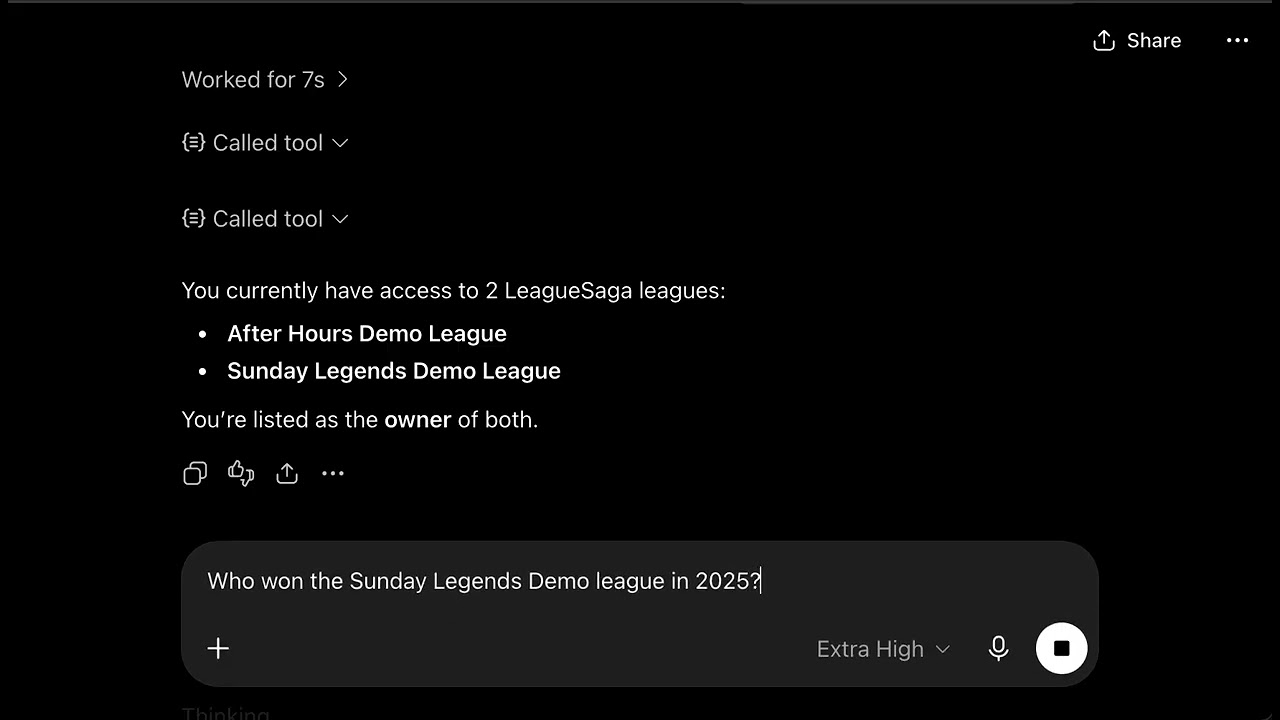
Watch a fictional demo account find its leagues, name a 2025 champion, and check the closest game from 2024. This screen recording has no audio.
Watch on YouTubeSetup
Connect in three steps.
Install LeagueSaga from the ChatGPT plugin directory, then connect your LeagueSaga account.
Open the LeagueSaga plugin listing-
1
Install the LeagueSaga plugin
Open the listing in ChatGPT and select Install plugin.
-
2
Connect your LeagueSaga account
When prompted, sign in to LeagueSaga and approve read-only access to your league facts.
-
3
Ask about your league
Start a new chat, select LeagueSaga, and ask: “Who has the most championships in my league?”
Access controls
One connection does not open every league.
LeagueSaga runs live membership and plan checks on every request. Losing access blocks the next request.
- The tools cannot edit a league.
- Inaccessible leagues look the same as missing leagues.
- LeagueSaga does not store the external ChatGPT conversation.
- You can disconnect the service in Connected AI settings.
ChatGPT is a product of OpenAI. LeagueSaga is not affiliated with or endorsed by OpenAI.